Read and Write Software
Literacy and accessibility support in Libraries NI
Read and Write software is a literacy and accessibility support tool available on library computers across the Libraries NI network. It is designed to help people who may find reading or writing challenging, including those with dyslexia, learning difficulties, or English as an additional language (EAL).
The software provides a range of easy-to-use features through an on-screen toolbar and works alongside everyday applications and web platforms, including PDF documents and online forms. It can be used for study, work, job searching, or personal tasks.
This desktop icon is on every library computer and this gives you access to Read and Write:
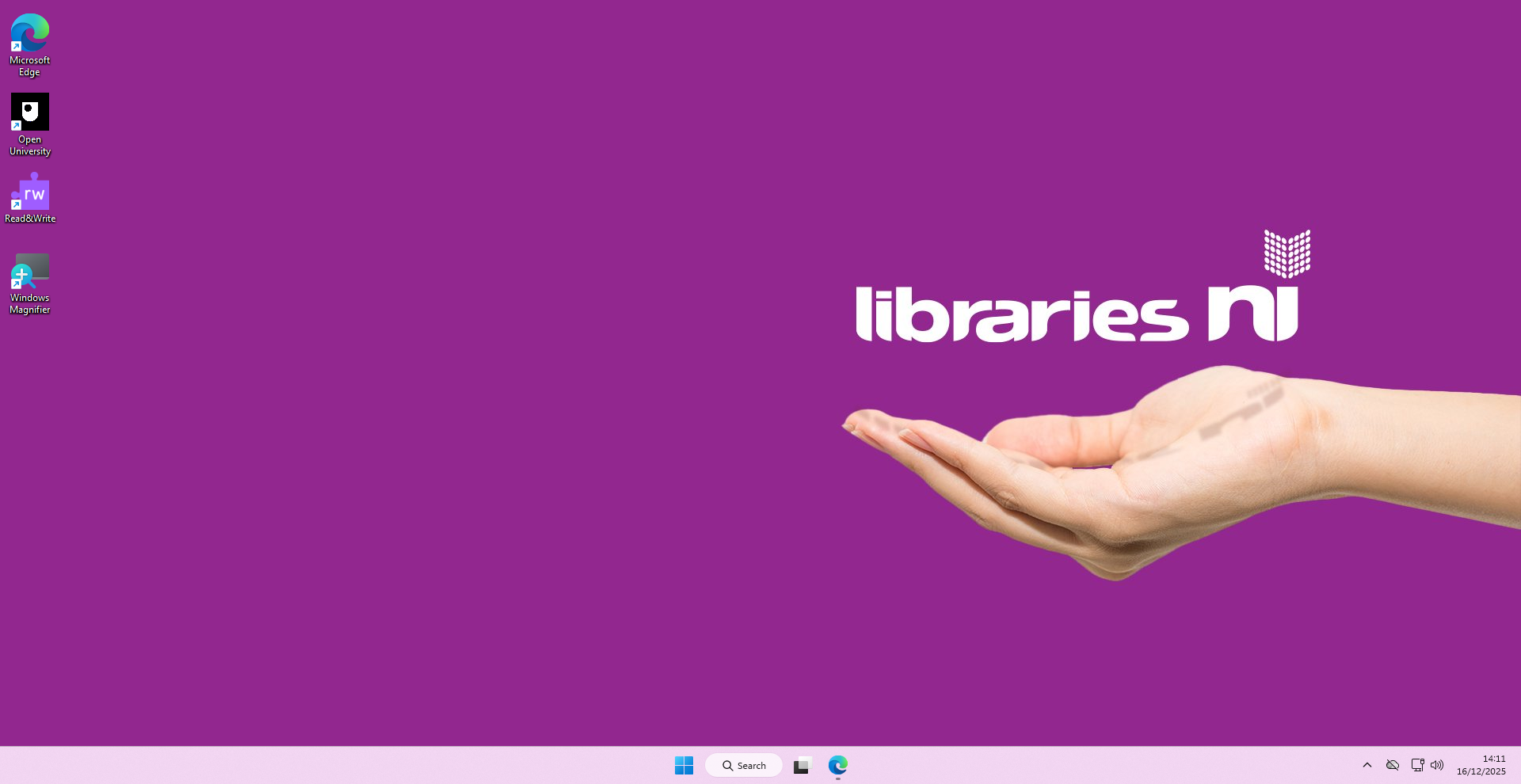

When you have selected the Read and Write desktop logo an icon for the toolbar will appear at the top of the screen. Simply select the down arrow to see the full toolbar: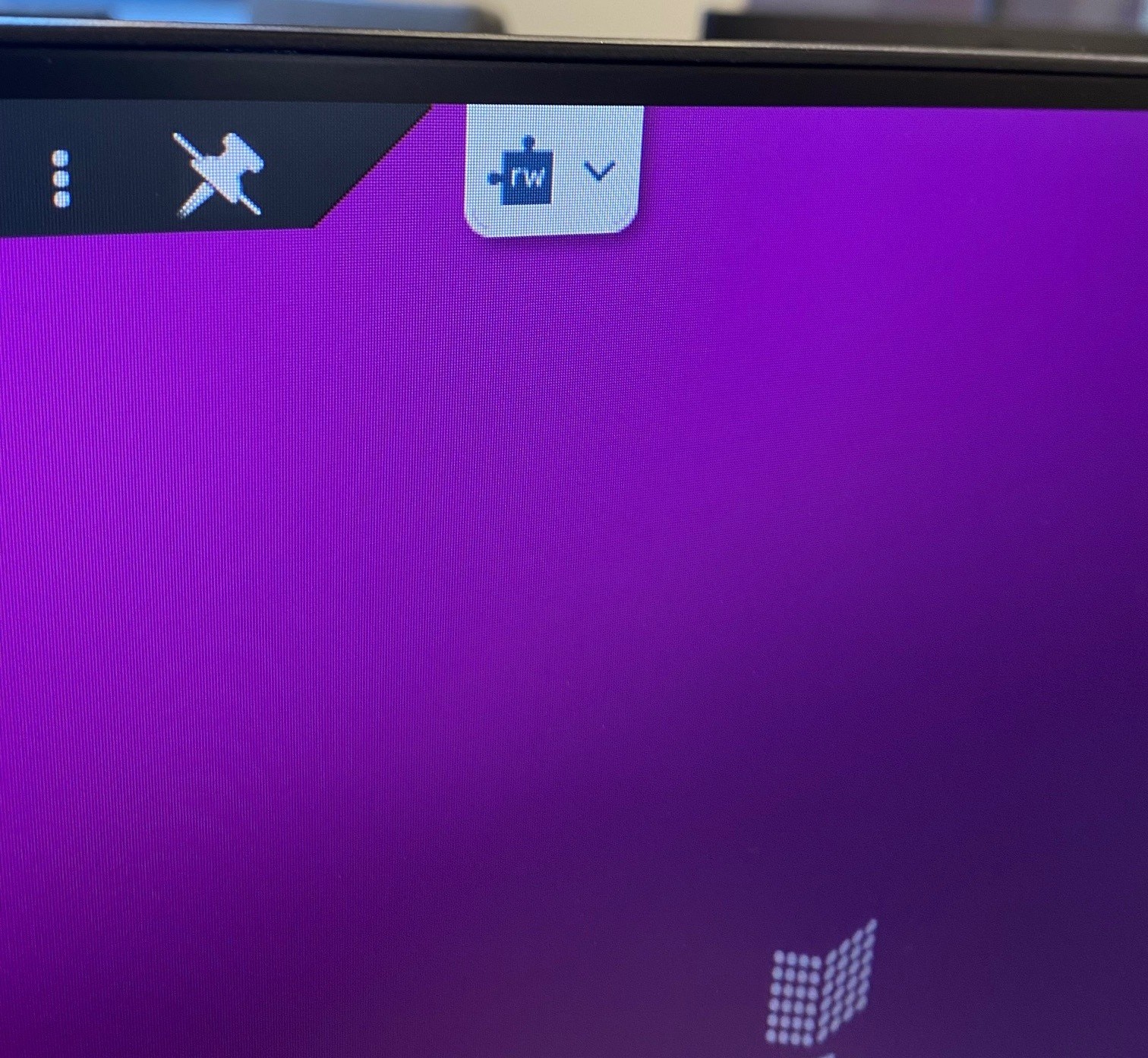
Key features and functions
Reading support
• Text-to-speech reads on-screen text aloud to support understanding and focus
• Useful for reading, comprehension and proofreading
• A screenshot reader can read text from images and scanned documents
Writing support
• Word prediction supports faster, more confident writing
• Phonetic spell checkers help improve spelling accuracy
• Dictionary tools support vocabulary development and clarity
Accessibility
Read and Write software can support:
• People with dyslexia or learning difficulties
• English language learners
• Students, jobseekers and professionals
• Anyone who would benefit from extra reading or writing support
Free access to Read and Write Software in Libraries NI
Read and Write software is available on every public library computer across Libraries NI.
It is free to use for library members and does not require specialist equipment or prior experience.
Library staff are available to help you get started if needed.
HELP VIDEOS - View Read and Write Feature Tour
If you’re not already a library member, joining is free and easy. Join online or visit your nearest public library