Big Summer Read Toolkit
The Big Summer Read toolkit includes a range of sample social media posts and downloadable resources to help promote the campaign in schools. These resources below can be downloaded and printed and they are designed to encourage children and families to get involved, celebrate reading, and enjoy a summer full of stories and activities.
FILES TO DOWNLOAD:
Step 1:
Click on download below to view the image in a new browser tab
Step 2:
Right-click on the image and select 'Save as image'
Step 3:
Click 'Save'
Poster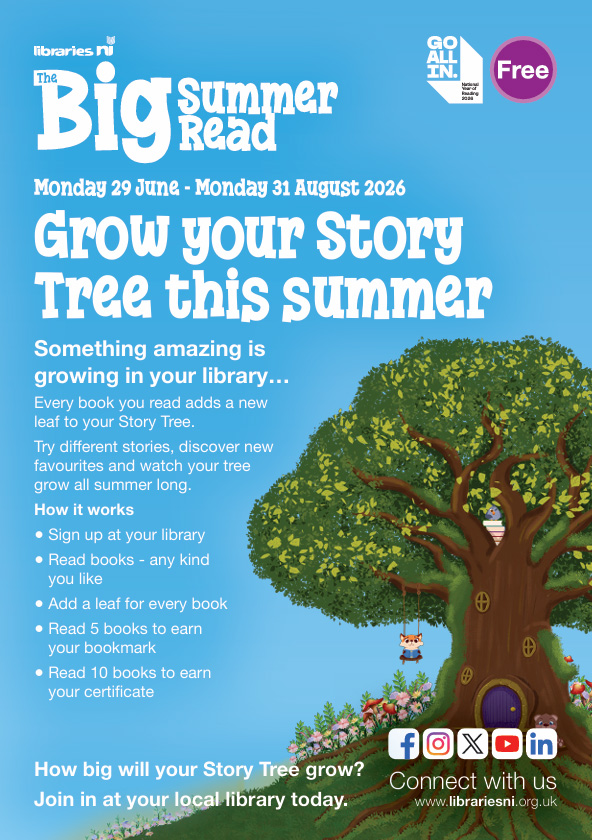 |
Flyer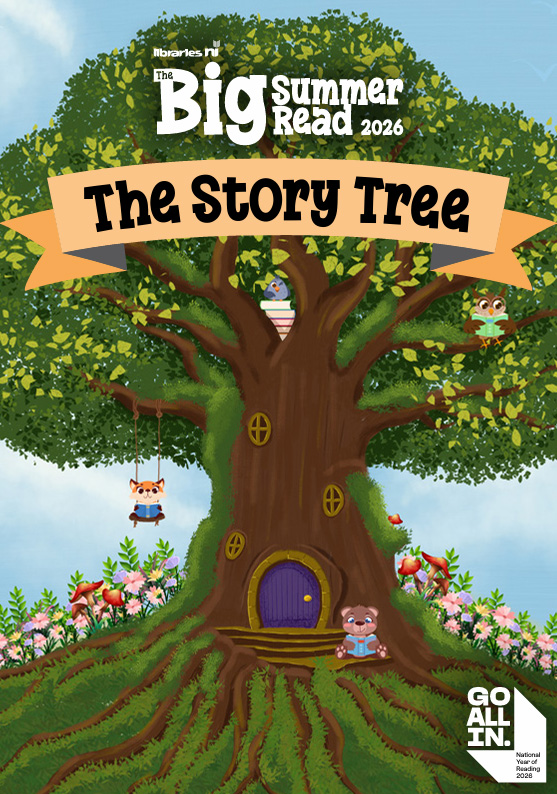 |

|
|
Bookmark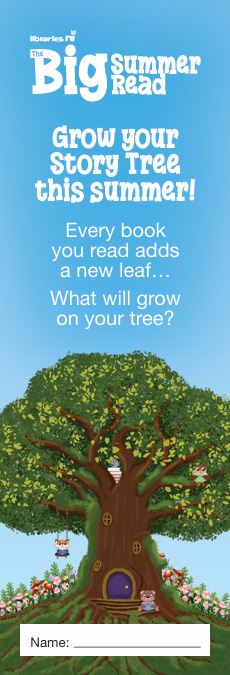 |
|
|
SOCIAL MEDIA:
Sample post 1
This summer, children across Northern Ireland are invited to take part in the Big Summer Read at Libraries NI.
This year’s theme is The Story Tree
Every book adds another leaf as children grow their own reading tree across the summer holidays.
✔ Free to join
✔ Open to primary school-aged children
✔ Running in libraries throughout July and August
Find out more: https://libni.short.gy/LNITheBigSummerRead2026
Sample Post 2
A summer full of stories starts with a single book
The Big Summer Read returns to Libraries NI this July and August, encouraging children to keep reading, exploring new stories and visiting their local library over the holidays.
Children can track the books they read, complete bonus challenges and grow their own Story Tree throughout the summer.
Find out more and sign up here: https://libni.short.gy/LNITheBigSummerRead2026
Sample Post 3
Looking for something free, flexible and screen-free over the summer holidays?
The Big Summer Read at Libraries NI is back for 2026.
Children can:
Track their reading
Explore different genres
Collect a bookmark and certificate
Grow their own Story Tree
Available in libraries across Northern Ireland throughout July and August.
More information: https://libni.short.gy/LNITheBigSummerRead2026
FILES TO DOWNLOAD FOR SOCIAL MEDIA POSTS:
Step 1:
Click on download below to view the image in a new browser tab
Step 2:
Right-click on the image and select 'Save as image'
Step 3:
Click 'Save'
Graphic/image for Social Media Posts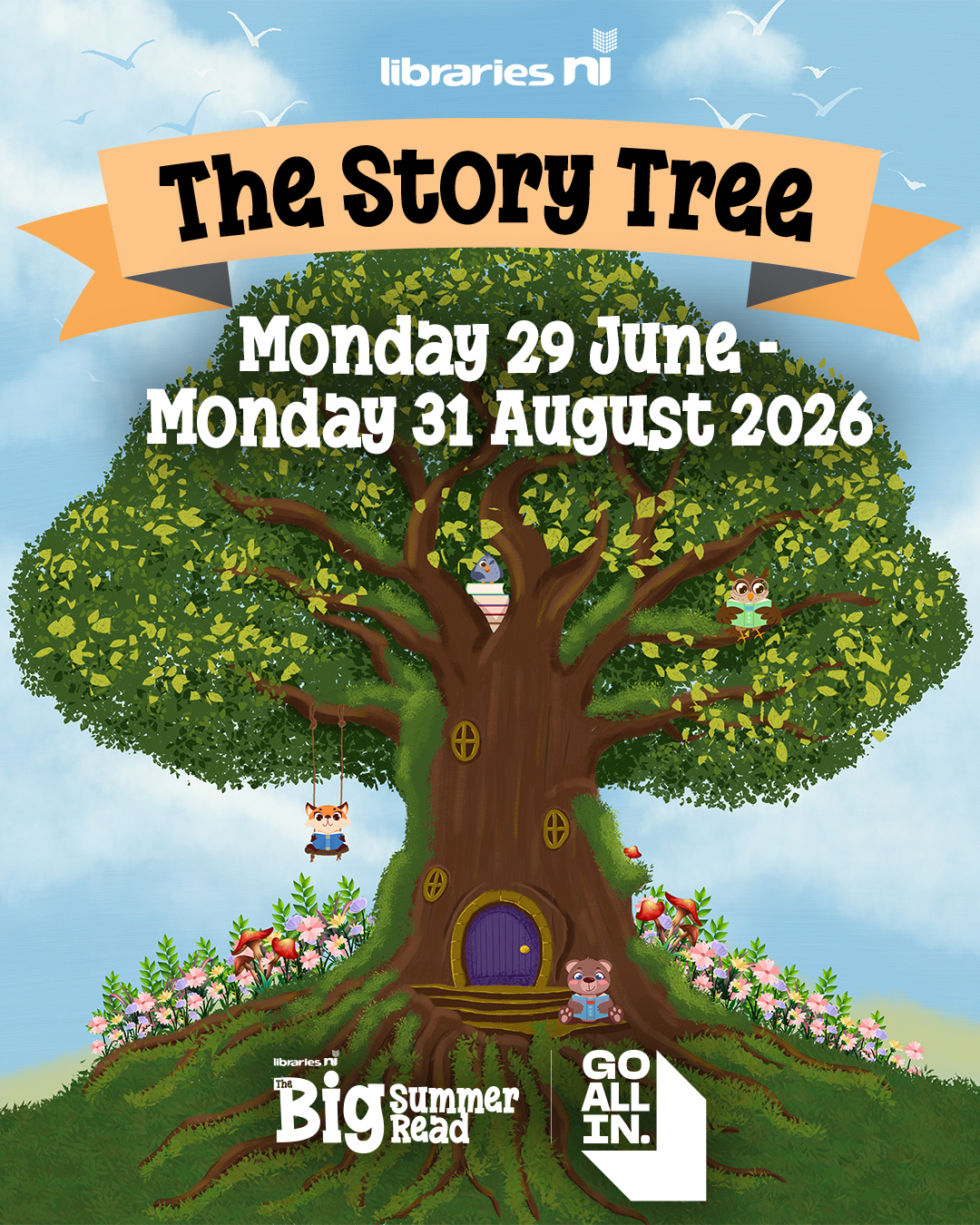 |
|
|
Header graphic/image for Social Media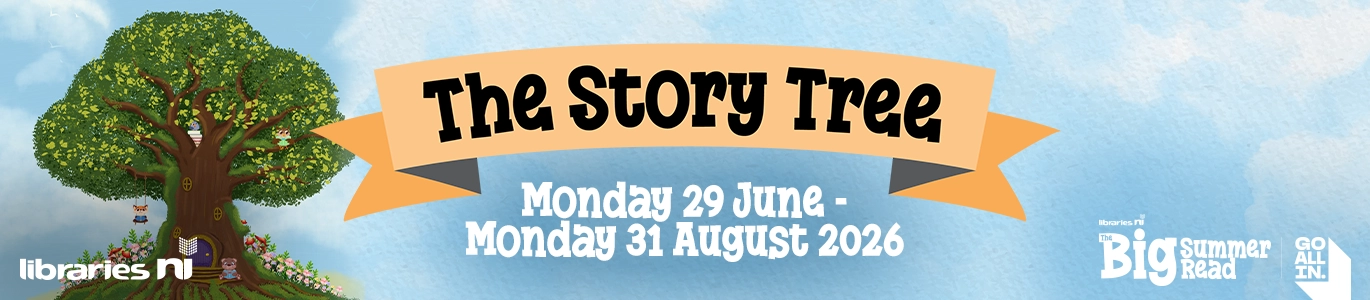 |
|
|